
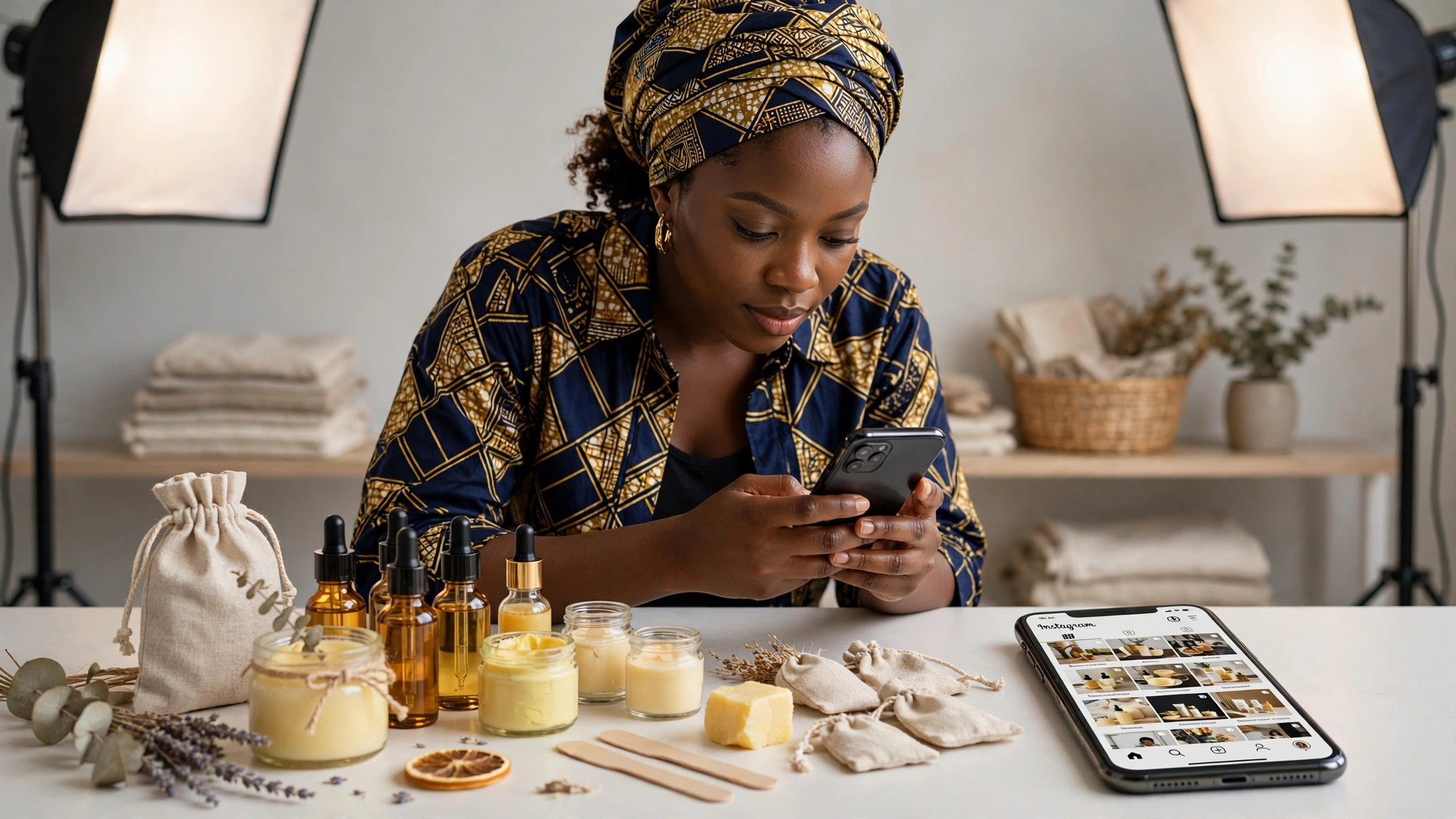
If you sell physical products, Instagram Shopping turns your posts and stories into a storefront: customers tap a product tag on your photo and land straight on the product page. No “DM for price” friction, no lost sales to slow replies. Here is exactly how to set it up as a Nigerian business.
What you need before you start
Instagram Shopping has requirements, and checking them first saves you a rejection later:
A Business or Creator account. Go to Settings, Account type and tools, and switch from personal. It is free and takes a minute.
A Facebook Page for the business. Instagram Shopping runs through Meta’s commerce system, which needs a connected Facebook Page. Create one if you do not have it; it does not need followers, it just needs to exist and represent the business.
A product catalogue. This is the list of your products with photos, prices in naira, and descriptions. You create it in Meta Commerce Manager (business.facebook.com, then Commerce Manager). You can add products manually if you have a handful, or connect your website: Shopify, WooCommerce, and most major platforms sync catalogues automatically.
A website domain you can verify. Meta needs to confirm you own the domain where customers check out. This usually means adding a small verification file or DNS record, which your web developer or host can do in minutes.
Compliance with commerce policies. Your products must be physical goods you actually sell; Meta prohibits things like digital downloads sold as products, services, and certain restricted categories. Read the Commerce Policies once before applying, because policy violations are the most common reason applications get rejected.
The setup, step by step
Step 1: Create your catalogue in Commerce Manager. Go to business.facebook.com, open Commerce Manager, and create a catalogue. Add each product with a clear photo (plain background works best), an accurate naira price, and a description that matches what is on your website. Price mismatches between Instagram and your site are a common rejection trigger, so keep them identical.
Step 2: Connect the catalogue to your Instagram. In the Instagram app, go to Settings, Business, and set up shopping by selecting your catalogue. Then connect your Facebook Page if you have not already.
Step 3: Submit for review. Instagram reviews your account, usually within a few days. They check that you are a real business selling real products from the connected domain. While waiting, keep posting normally; there is nothing else to do.
Step 4: Turn on product tagging. Once approved, you will get a notification. Go to Settings, Business, Shopping, select your catalogue, and start tagging: on new posts, tap Tag Products before sharing; on old posts, tap the three dots and Edit to add tags retroactively.
Step 5: Add a Shop tab. Approved accounts can add a Shop section to their profile, so visitors browse your catalogue without scrolling your whole feed. Pin your bestsellers there.
Making it actually sell
Setup is only half the job. Tag products in every relevant post and story, not just dedicated product shots: lifestyle photos with a tagged bag or shoe sell better than catalogue-style images. Use story product stickers during promotions. Keep prices current, because nothing kills trust faster than a customer tapping through to a different price. And track which tagged posts drive profile visits in Instagram Insights, then make more of what works.
If your application gets rejected
It happens, and it is usually fixable. The common causes: price differences between the catalogue and the website, a brand-new Instagram account with almost no posts (post organically for a few weeks first), products that violate commerce policies, or a domain that is not verified. Fix the specific issue Meta names in the rejection notice and reapply. Most legitimate businesses get approved on the second attempt.
Recommended: Grow Your Business Online
- Facebook Ads Domination (for Business Owners) — learn to run profitable Facebook ads and get more customers ($21). Check it out
- Facebook Advertising In 60 Minutes — fast-track course to launch your first ads in an hour ($50). Check it out
- FAF Mastery System — Facebook ads plus sales funnels that turn clicks into customers ($15). Check it out
Disclosure: These are affiliate links. If you buy through them, I may earn a commission at no extra cost to you.


Leave a Reply