
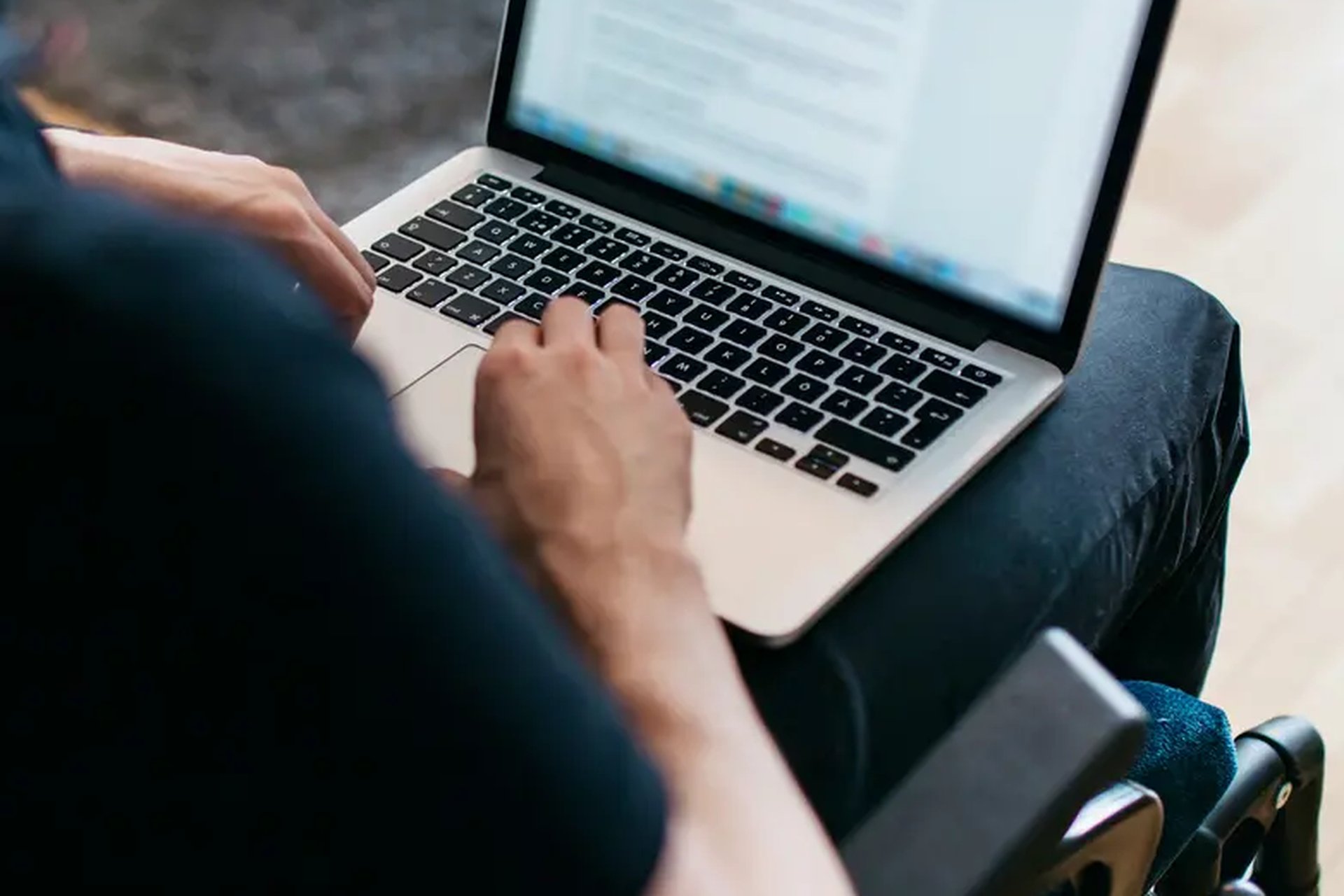
Picture the last person who tried to buy from your website and quietly gave up. You never saw them. Maybe it was a trader in Onitsha with failing eyesight, holding his phone close and pinching at text that refused to grow. Maybe it was a banker in Abuja with her arm in a sling, trying to complete your checkout using only a keyboard. Maybe it was a young father in Kano watching your product video on a bus, unable to hear a word of it. None of them emailed to complain. They simply bought from someone else.
Website accessibility is the practice of removing those invisible barriers, so people with disabilities, injuries, old phones, and bad network can use your site as easily as anyone else. It is not a foreign luxury or a favor to a small minority. Nigerians living with a disability are commonly estimated at over 25 million people, and that figure excludes everyone temporarily limited by a cracked screen, bright sunlight, a sleeping baby in one arm, or a failing connection. This guide translates the jargon into plain tasks, most of them free.
The visitors your site is turning away
Blind and low vision customers navigate by listening, not looking. A screen reader reads your page aloud, link by link and button by button. If your order button is an image with no text behind it, the reader announces the word button and nothing more, and the sale dies there. Customers with low vision zoom pages to twice their size, and layouts that shatter when zoomed, with text spilling over buttons and menus vanishing, push those customers out just as firmly.
Deaf customers get nothing from a video without captions. Product demonstrations, customer testimonials, and launch announcements are usually published as bare video, which means a deaf viewer sees moving pictures and learns nothing about your offer. Captions fix that, and they quietly help everyone else too, because most people scroll with the sound off, in buses, offices, and waiting rooms where audio is impossible or rude. A captioned video is simply a video more people can finish.
Shaky hands and slow connections are accessibility issues too. Arthritis, tremor, a healing injury, or simple age can make a tiny link nearly impossible to tap, and a form that wipes itself after sixty seconds punishes anyone typing with one hand. Add the customer on a weak 3G connection in a rural area, for whom your heavy page never finishes loading, and the pattern is clear. Barriers are ordinary, and so are the people hitting them.
Fixes that cost nothing but attention
Every product photo needs a sentence of alt text. Alt text is the short description hidden behind an image, read aloud by screen readers and displayed when an image fails to load. Writing it takes seconds per photo: blue Ankara fabric, two yards, neatly folded, instead of a blank field or the camera file name. Do it for product photos, banners, and every image that carries information. Pure decoration is the only exception, and it should be marked as decoration so screen readers skip it.
Headings must work like a table of contents. Screen reader users skim a page by jumping from heading to heading, exactly the way sighted readers scan. That only works if your headings are real headings, in a sensible order, describing what follows, rather than ordinary sentences made big and bold for decoration. One clear title per page and sections under proper subheadings make your content navigable for everyone, including search engines, which read pages in a surprisingly similar way.
Contrast and link words decide whether people can act. Pale grey text on a white background may look elegant in a designer’s screenshot and be unreadable in Lagos sunlight or to aging eyes. Keep text dark against its background, body text large enough to read without pinching, and links that say what they do. Click here tells a screen reader user nothing when it is read out of context. See our delivery prices tells them everything. These are typing decisions, not development projects.
The business case, and the few fixes worth paying for
The market you are excluding is larger than most niches you chase. Over 25 million Nigerians live with a disability, and they shop with the same money as everyone else, often with family members shopping alongside them. Businesses that welcome these customers face almost no competition for their loyalty, because nearly every rival site is unusable to them. Being the one store in your category that a blind customer can actually buy from is a durable advantage, not a slogan.
Accessibility work and search ranking pull in the same direction. Descriptive alt text, real headings, captioned videos with transcripts, fast loading pages, and clear link words are exactly the signals search engines use to understand and rank content. Nobody can promise a ranking jump from accessibility alone, but the overlap is so complete that one afternoon of fixes improves your site for screen readers and for Google at the same time. Few investments pay the same bill twice.
Spend the small money on keyboard access and honest testing. Many visitors cannot use a mouse or touchscreen and move through pages with the Tab key, so your site should show a visible outline on the selected element and never trap anyone in a pop up they cannot close. Ask your developer to test your checkout using only a keyboard. Free checkers such as WAVE and the Lighthouse audit inside Chrome flag the common problems in minutes, and a professional accessibility review of a small business site typically runs ₦150,000 to ₦400,000, far less than retrofitting after a redesign.
The bottom line
Accessibility in plain English means this: describe your images in words, structure your pages with real headings, keep text readable, label everything clearly, caption your videos, and make sure the whole site works from a keyboard. Most of it costs attention rather than money, and Nigeria’s disability law is moving in this direction whether businesses prepare or not. Start with your homepage, your product pages, and your checkout, test them with free tools and one honest volunteer, and fix what you find. Tonight, someone in Nigeria is trying to buy what you sell. Make sure your website is not the thing stopping them.
Recommended: Grow Your Business Online
- Facebook Ads Domination (for Business Owners) — learn to run profitable Facebook ads and get more customers ($21). Check it out
- Facebook Advertising In 60 Minutes — fast-track course to launch your first ads in an hour ($50). Check it out
- FAF Mastery System — Facebook ads plus sales funnels that turn clicks into customers ($15). Check it out
Disclosure: These are affiliate links. If you buy through them, I may earn a commission at no extra cost to you.


Leave a Reply