
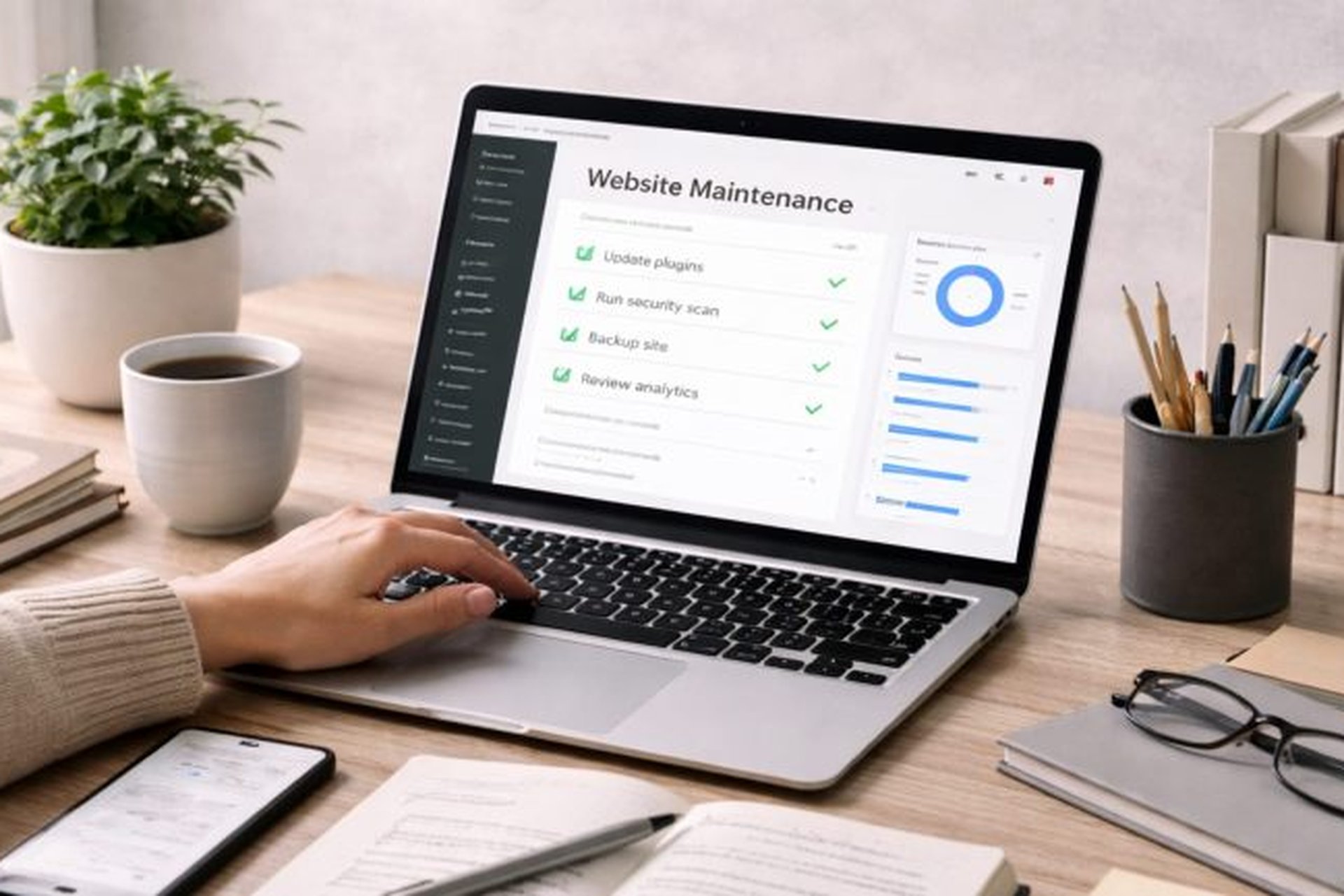
Websites almost never die in a dramatic crash. They rot, quietly, one skipped job at a time: a software update postponed since March, a backup that has never actually run, a security certificate set to expire on a Sunday morning, a contact form that stopped delivering messages two months ago. By the time the owner notices, the small monthly jobs have compounded into an emergency, and emergencies are the most expensive way to run anything. The repairs that cost ₦20,000 in prevention have a way of arriving as ₦200,000 in rescue.
The good news is that website maintenance is neither mysterious nor time consuming. It is a short list of unglamorous jobs, done once a month, in about an hour, that keeps a business website secure, fast, and open for business. This checklist covers the jobs that matter most: updates and security, backups you have actually tested, the quiet technical rot nobody watches, and the habit that ties it all together.
Updates and security come first
Update everything, every month, without exception. Your website runs on layers of software: the platform itself, the theme that styles it, and the plugins that add features. Their makers release updates constantly, and a large share of those updates exist to close security holes that criminals actively scan for. Most hacked small business websites were not targeted by geniuses. They were simply out of date, running a known hole that an automated scan found first. Monthly updates close the door before the scan arrives.
Delete what you no longer use. Old plugins and themes sitting deactivated on your site are still files on your server, and outdated ones are still doors into it, whether they are switched on or not. If a tool was replaced, a campaign ended, or a feature was abandoned, remove the software completely. A lean site is faster, easier to update, and has fewer ways in. While you are there, check the list of user accounts with administrator access and remove anyone who no longer works with you, including developers from finished projects.
Lock the front door properly. Every administrator account should have a strong, unique password and two factor authentication switched on, so a leaked password alone cannot hand over your website. Check also that your site shows the padlock on every page, not just the homepage, because security warnings quietly frighten visitors away.
Backups you have actually tested
A backup you have never restored is a hope, not a backup. Many site owners pay for backups for years and discover, on the worst day of their business life, that the files are incomplete, corrupted, or stored in a format nobody can rebuild from. Once in a while, take a backup and actually restore it to a test location, or have your developer do it and show you the rebuilt site. That single test converts a hope into a system, and it is the difference between an inconvenience and a catastrophe.
Keep at least one copy off the server. Backups stored on the same server as the website die in the same fire, the same hack, and the same hosting failure. Your arrangement should include a copy somewhere independent: cloud storage or your office computer. Check monthly that new backups are actually appearing there, because backup jobs fail silently when storage fills up or a password changes.
Know your restore time before you need it. Ask the practical question in a calm month: if this site vanished tonight, how many hours until it is back, and who does the work? If the honest answer is days of confusion, fix the arrangement now, while it costs little.
The quiet technical rot
Certificates and domains expire silently. When your security certificate lapses, browsers greet your visitors with a frightening warning that your site is not safe, and most of them leave and do not come back. When a domain expires, the whole site and your business email can go down together. Set both to auto renew where possible, keep a working payment method on the accounts, and still put the expiry dates on your own calendar as a second line of defence.
Forms and buttons break without making a sound. Your contact form, quote request form, WhatsApp button, and checkout are the money paths of the site, and they break quietly when an email setting changes, a plugin updates, or a spam filter gets aggressive. Once a month, send yourself a test enquiry through every form and complete a small test purchase or booking. If the message does not arrive in your inbox within minutes, your customers’ messages are not arriving either.
Speed and links decay a little every month. New images get uploaded at full camera size, pages accumulate, and links you pointed to other sites quietly die when those sites change. Once a month, load your homepage and your most important service page on a phone using mobile data, the way your customers actually visit, and time it honestly. A slow or broken experience on the pages that earn your money is not a technical detail. It is a leak in the bucket you pay to fill.
Put it on a calendar, with a name and a budget
Same day every month, one named owner. Maintenance fails when it belongs to everybody in general. Pick a fixed day, the first Monday of the month works well, name the one person responsible and keep a simple signed off log of what was done. The log takes two minutes and becomes gold on the day something breaks, because it answers the first question every repair starts with: what changed, and when?
Budget for it like rent, not like an emergency. A maintenance arrangement for a small business website commonly runs from ₦15,000 to ₦60,000 a month depending on the level of cover, which is small beside the cost of the alternative: emergency cleanups, rebuilt pages, and lost bookings during downtime. Prevention is not the expensive option. It is simply the option whose bill arrives in small, predictable pieces.
Treat the checklist as part of owning the asset. Your website is not a project you finished. It is a working asset, like a delivery vehicle, and vehicles that skip servicing eventually stop without warning. An hour a month of boring, dated, logged maintenance is what separates businesses whose websites quietly earn for years from businesses that periodically pay to rescue theirs.
The bottom line
Run the list monthly: update all software and delete what you no longer use, lock down administrator access, confirm your backups exist off the server and test a restore now and then, watch certificate and domain expiry dates, test every form and the checkout with a real message, and load your key pages on a phone to check speed and links. Then log it, on a fixed day, under one named owner, with a small monthly budget. None of these jobs is exciting, and that is precisely the point. Websites do not break because owners ignored dramatic warnings. They break because nobody did the small jobs.
Recommended: Grow Your Business Online
- Facebook Ads Domination (for Business Owners) — learn to run profitable Facebook ads and get more customers ($21). Check it out
- Facebook Advertising In 60 Minutes — fast-track course to launch your first ads in an hour ($50). Check it out
- FAF Mastery System — Facebook ads plus sales funnels that turn clicks into customers ($15). Check it out
Disclosure: These are affiliate links. If you buy through them, I may earn a commission at no extra cost to you.


Leave a Reply