
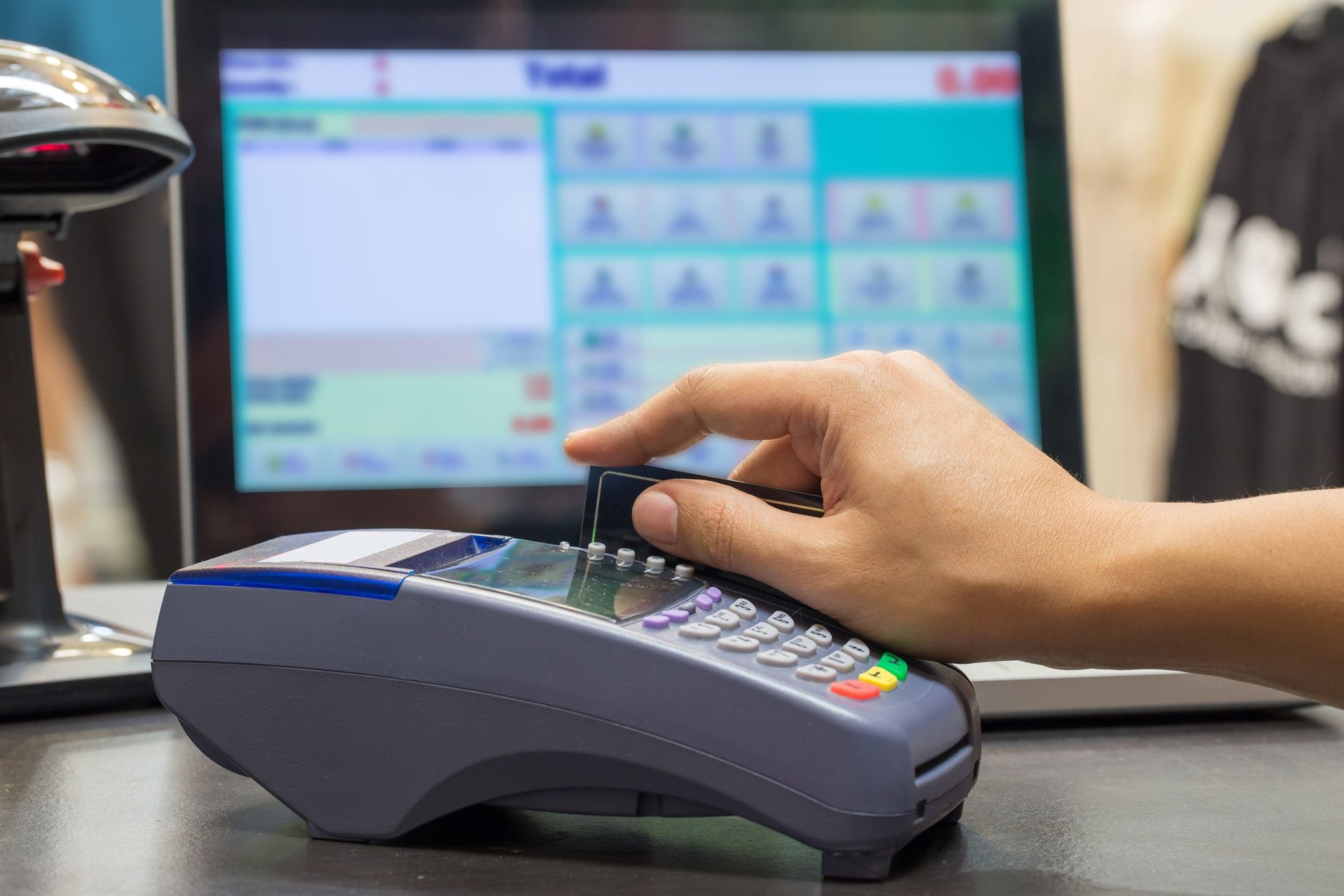
A busy Saturday exposes every weakness in a shop. The queue stretches past the shelves, the attendant is writing sales in a big exercise book, a customer is disputing a price, and at closing time the cash in the drawer will not match anything on paper. A point of sale system, usually shortened to POS, promises to end that chaos: every sale recorded as it happens, stock reducing itself, receipts printed in seconds, and a daily report that actually adds up. The promise is real, but so is the disappointment when a shop buys the wrong system.
First, a clarification that saves real confusion. In everyday Nigerian speech, POS means the card terminal on every street corner, the one agents use for withdrawals and transfers. Shops use the same word for the counter system that records sales, tracks stock, and prints receipts. Modern setups often combine both, one device that takes payment and records the sale in the same motion. When a vendor says POS, ask which one is being sold, because the prices, the charges, and the problems are completely different.
Start with the daily jobs, not the feature list
The core job is recording sales quickly and accurately. At a busy counter, the system must find an item in seconds, by barcode scan, by quick search, or by tapping a picture grid of your best sellers. If entering one sale takes longer than writing it in the book, your staff will quietly return to the book, and you will own an expensive ornament. Test any system with your own twenty fastest selling items and your slowest staff member before you commit.
Stock tracking is where the system pays for itself. Every sale should reduce stock automatically, every delivery should be added in a few taps, and the system should flag items running low before they finish on a Saturday morning. Shrinkage, the polite word for goods that vanish through error and theft, thrives in shops that count stock from memory. A POS that shows what should be on the shelf turns the monthly stock count from an argument into a simple check.
Permissions and reports protect the owner who is not always present. Each staff member should sign in with their own account, so every sale, discount, refund, and void carries a name. Refunds and price changes should need a supervisor’s approval code. Then the daily report, sales by item, by staff member, by payment type, becomes something you can read from home at night and trust on Monday morning.
Hardware: buy for your counter and your power supply
You have three hardware routes, at three very different prices. The cheapest route runs the software on a phone or tablet you already own, adding a receipt printer for ₦25,000 to ₦60,000 and a barcode scanner for ₦15,000 to ₦40,000. Dedicated Android POS devices with a built in printer commonly cost ₦60,000 to ₦150,000. Full counter setups with a touchscreen till, cash drawer, printer, and scanner land between ₦250,000 and ₦600,000. None is automatically better. A provision shop and a pharmacy do not need the same counter.
Power decides more purchases in Nigeria than any feature list. The public supply will fail during your busiest hour at least once this month, and the system must keep selling through it. Ask how long the device runs on its own battery, whether the printer works on battery too, and how the setup behaves on a small inverter. A beautiful till that dies with the power is a queue generator, not a sales tool.
Buy hardware you can replace locally. Counters are hard on equipment: printers jam, screens crack, chargers disappear. Before buying, ask where the nearest service center or spare parts source is, and what a replacement printer costs. An imported all in one unit with no local support can idle your shop for weeks over a part worth a few thousand naira.
The charges nobody mentions at the demo
Software is usually a subscription, and subscriptions compound. Many POS platforms charge ₦5,000 to ₦25,000 monthly per shop, with extra fees per additional branch, per extra staff account, or for advanced reports. Ask for the price at your size in one year, not your size today, and ask what happens to your data and your counter if a payment lapses during a hard month.
Card payments carry their own toll. If the system accepts cards through an integrated terminal, expect transaction charges, commonly around 0.5 percent on local cards with a cap per transaction, plus settlement that may arrive the next day rather than instantly. None of this is scandalous, but it belongs in your margin calculations before you set prices, not after the first month of statements surprises you.
Small consumables and support add up quietly. Receipt rolls, printer servicing, internet data for syncing, and training each new attendant all cost money across a year. A realistic first year budget for a small shop, hardware, subscription, consumables, and charges together, often lands between ₦150,000 and ₦500,000 depending on the route chosen. Vendors who quote only the box price are quoting the smallest part of the story.
Offline mode and support: the two tests that decide everything
Test the offline mode before you pay, not during a blackout. Internet service fails in every Nigerian city, sometimes for hours. A serious shop system keeps selling with no connection at all, stores every transaction safely on the device, and syncs when service returns, without duplicates and without lost sales. Ask the vendor to demonstrate this with the router switched off. Hesitation at that request is your answer.
Judge support by the worst day, not the sales pitch. When the system fails on a December Saturday, you need a person who answers in minutes or hours, not a ticket portal answered next week. Ask for two or three existing customers running shops like yours and call them. Owners are candid about support quality in a way no brochure ever is.
Insist on your data in your hands. Your sales history, customer list, and stock records are business assets. The system should let you export them in standard formats at any time, without begging and without a ransom fee. If leaving a platform means abandoning three years of records, you do not have a supplier. You have a landlord.
The bottom line
A good POS system makes a shop faster at the counter, honest in the stockroom, and visible to an owner who cannot stand behind the till all day. Choose it by the daily jobs, not the demo: quick sales entry, automatic stock, named staff accounts, hardware that survives your power supply, offline selling, exportable data, and support that answers on your worst day. Price the whole first year together, box, subscription, consumables, and card charges. The cheapest system is the one your staff actually use every day, because the most expensive POS in Nigeria is the one abandoned beside the exercise book it was bought to replace.
Recommended: Grow Your Business Online
- Facebook Ads Domination (for Business Owners) — learn to run profitable Facebook ads and get more customers ($21). Check it out
- Facebook Advertising In 60 Minutes — fast-track course to launch your first ads in an hour ($50). Check it out
- FAF Mastery System — Facebook ads plus sales funnels that turn clicks into customers ($15). Check it out
Disclosure: These are affiliate links. If you buy through them, I may earn a commission at no extra cost to you.


Leave a Reply