
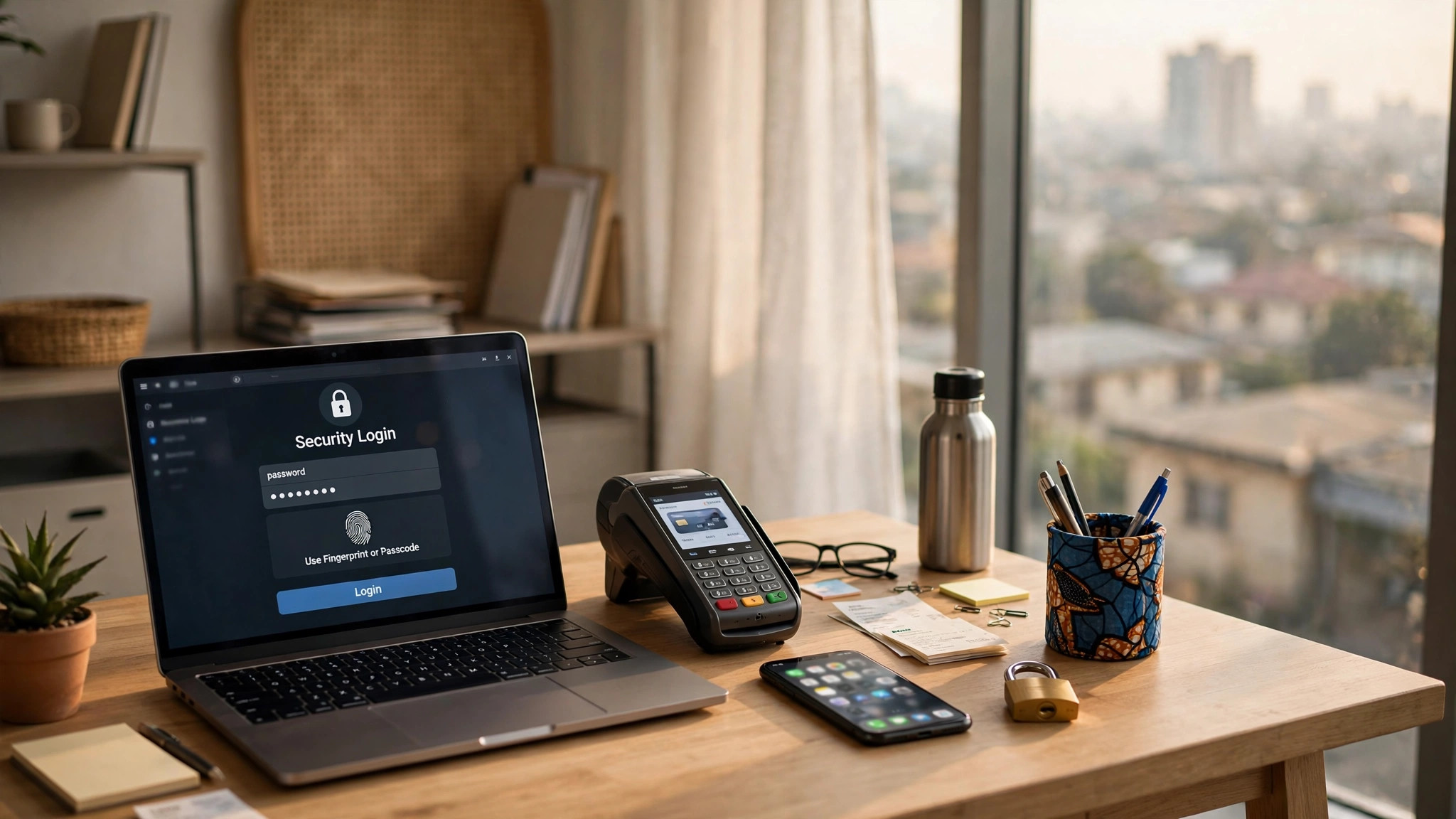
Cyberattacks are not just a big-company problem. Nigerian small businesses lose money every week to hacked WhatsApp accounts, cloned bank logins, and POS fraud, and most of it happens because of simple, fixable habits. You do not need an IT department or expensive security software. You need a short list of high-impact actions, done in the right order. This checklist is ranked by impact: start at the top, because item one protects you more than items eight through ten combined.
1. Stop sharing one password across everything
The single biggest risk in most small businesses is password reuse. Your business Gmail, your bank login, your Jumia seller account, and your Instagram page all secured by variations of the same password, and half your staff know it. One breach anywhere exposes everything. Fix it this week: give every important account its own strong, unique password, and use a free password manager so nobody has to memorise them. This one change closes more attack routes than anything else on this list.
2. Turn on two-factor authentication (2FA) everywhere it matters
2FA means logging in requires your password plus a code from your phone, so a stolen password alone is useless to a thief. Turn it on today for your business email, your bank and fintech apps (GTB, Access, Moniepoint, OPay, PalmPay), your domain and hosting accounts, and your social media pages. Use an authenticator app rather than SMS codes where possible, because SIM-swap fraud, where criminals convince your network to move your number to their SIM, is a real and growing problem in Nigeria. 2FA on your business email is especially critical: email is the reset key for nearly everything else.
3. Lock down your business WhatsApp
For many Nigerian businesses, WhatsApp IS the business: orders, payments, and customer records live there. Protect it like the asset it is. Turn on two-step verification inside WhatsApp (Settings, Account, Two-step verification) so a stolen SIM alone cannot hijack your number. Set a screen lock on the phone that runs the business line, and be careful who you make a group admin, because a compromised admin account can add scammers to your customer groups. If staff use their personal phones for business chats, agree on basic rules: lock screens on, no business chats on borrowed phones, and report a lost phone immediately so the number can be secured.
4. Secure your POS terminals and payment points
If you take card payments, your POS is a target. Never leave terminals unattended at the counter, change the default admin PINs that came with the device, and reconcile your settlement alerts daily: a common scam is a “customer” distracting the cashier while an accomplice tampers with the terminal. For online payments through Paystack, Flutterwave, or similar, protect the dashboard login with 2FA and restrict which staff can issue refunds, because refund fraud by insiders is more common than hacking from outside.
5. Separate business money from personal money, digitally too
Run the business on its own bank accounts, its own email address, and its own logins. When the same phone and email handle your personal Facebook, your children’s school group, and your business bank transfers, one compromised account cascades into everything. A dedicated business email that only you control also makes it obvious when a “bank” email arrives at your personal address asking for business details: that is phishing, and separation makes it easy to spot.
6. Update phones, computers, and apps, and back up what matters
Those update notifications are mostly security patches. An unpatched phone or laptop is an open door, so turn on automatic updates and stop postponing them. Just as important: back up your critical data. Customer lists, stock records, and financial files should exist in at least two places, for example on the computer and in Google Drive or an external drive. Ransomware, where criminals lock your files and demand payment, only works if you have no backup. With a backup, it is an inconvenience; without one, it is a disaster.
7. Teach your staff to spot the tricks
Most attacks on small businesses arrive as messages, not malware: a “customer” sending a fake payment receipt screenshot, a “bank official” calling to confirm your PIN or OTP, a supplier whose email suddenly changed their account number. Make two rules absolute and repeat them monthly: never share an OTP or PIN with anyone, for any reason, no matter who they claim to be; and always confirm payment details through a second channel, a phone call to a known number, before transferring money to a “new” account. One five-minute conversation with your staff prevents more fraud than any software.
8. Control the shared computer
Many shops and offices have one computer everyone uses. Create separate user accounts or at least separate browser profiles, so staff are not all logged into the same business Gmail and bank portals. Make logging out a habit, especially on banking and email tabs, and never save banking passwords in the shared browser. If the computer is used by customers too, that is a separate problem: business banking should never happen on a machine customers touch.
9. Secure your Wi-Fi and be careful on public networks
Change your router’s default admin password and Wi-Fi password, and consider a separate guest network so customers waiting in your shop are not on the same network as your POS and office computers. When you or your staff work from public Wi-Fi, at a hotel or cafe, avoid logging into bank accounts and business email unless necessary; a basic VPN adds a layer of protection for roughly the cost of a meal per month.
10. Have a simple incident plan before you need one
Write down, on one page: if the business WhatsApp is hijacked, who contacts WhatsApp support and who warns customers; if money leaves the account suspiciously, the bank’s fraud line number; if a staff phone with business data is stolen, who revokes access to what. Keep the bank fraud numbers saved in your phone now, not searched for in a panic later. Speed matters enormously in the first hour of an incident: quick action has recovered accounts and frozen transfers that delay would have lost.
The bottom line
You do not need to do all ten this week. Do items one through three today: unique passwords, 2FA, and WhatsApp two-step verification. Those three close the doors criminals walk through most often. Work down the rest over the month, and revisit the list quarterly. Cybersecurity for a small business is not a product you buy; it is a set of habits you keep.
Recommended: Grow Your Business Online
- Facebook Ads Domination (for Business Owners) — learn to run profitable Facebook ads and get more customers ($21). Check it out
- Facebook Advertising In 60 Minutes — fast-track course to launch your first ads in an hour ($50). Check it out
- FAF Mastery System — Facebook ads plus sales funnels that turn clicks into customers ($15). Check it out
Disclosure: These are affiliate links. If you buy through them, I may earn a commission at no extra cost to you.


Leave a Reply